More on Structural Analysis Code Checking
Originally Published inI am busy making the final preparations for my trip to Moscow tomorrow. However, I also received some new input to share with you first on the Structural Analysis SDK that I mentioned last week, introduced in the Revit 2014 SDK ↗.
It enables engineering experts to provide specialised structural code checking applications on top of Revit, and now also supports storage of analysis results.
Augusto Goncalves ↗ recently took a more in-depth first look ↗ at it from a technical point of view.
The results storage API and code checking framework requires installation of the Structural Analysis and Code Checking Toolkit ↗ from the Autodesk Exchange Apps, discussed in more detail in this BIM and Beam blog post ↗.
Here is a sequence of images illustrating the code checking process:
Code Checking Process in Revit
Analytical results in Revit

Physical and analytical model

Analysis results:

Step 1 – code parameter settings:

Step 2 – element type parameter settings:

Step 3 – type parameter assignment to elements:

Step 4 – execute and explore reports:

Step 5 – explore graphical results:

Collective approach for a code checking solution:

Exchange Apps:

Software Development Kit for Code Checking Documentation:
- Getting Started
- Step by Step instructions
- Samples
- API documentation

Visual Studio:
- Data management
- UI definition
- Interactions
- Report generation
- Localization support
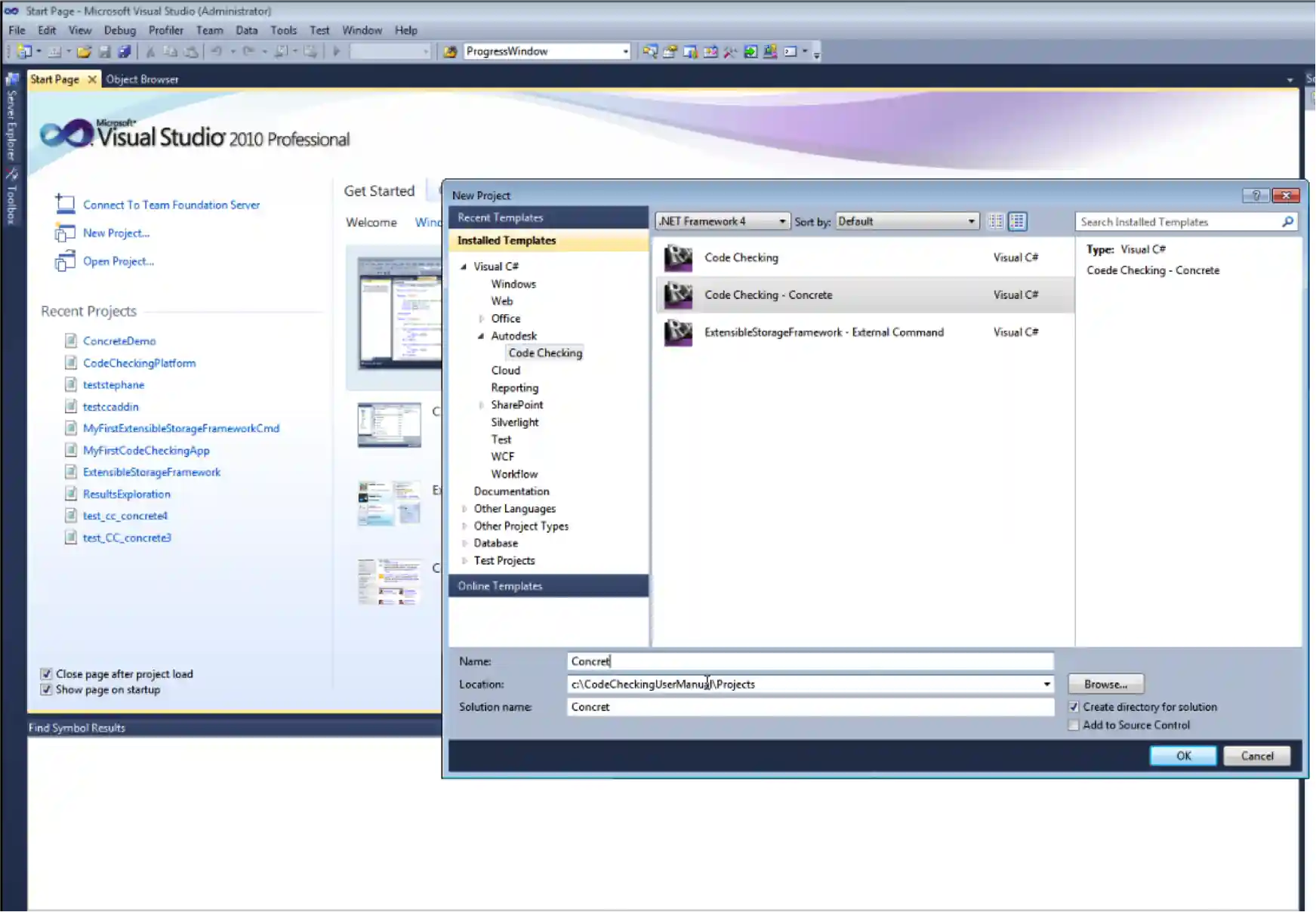
Source code:
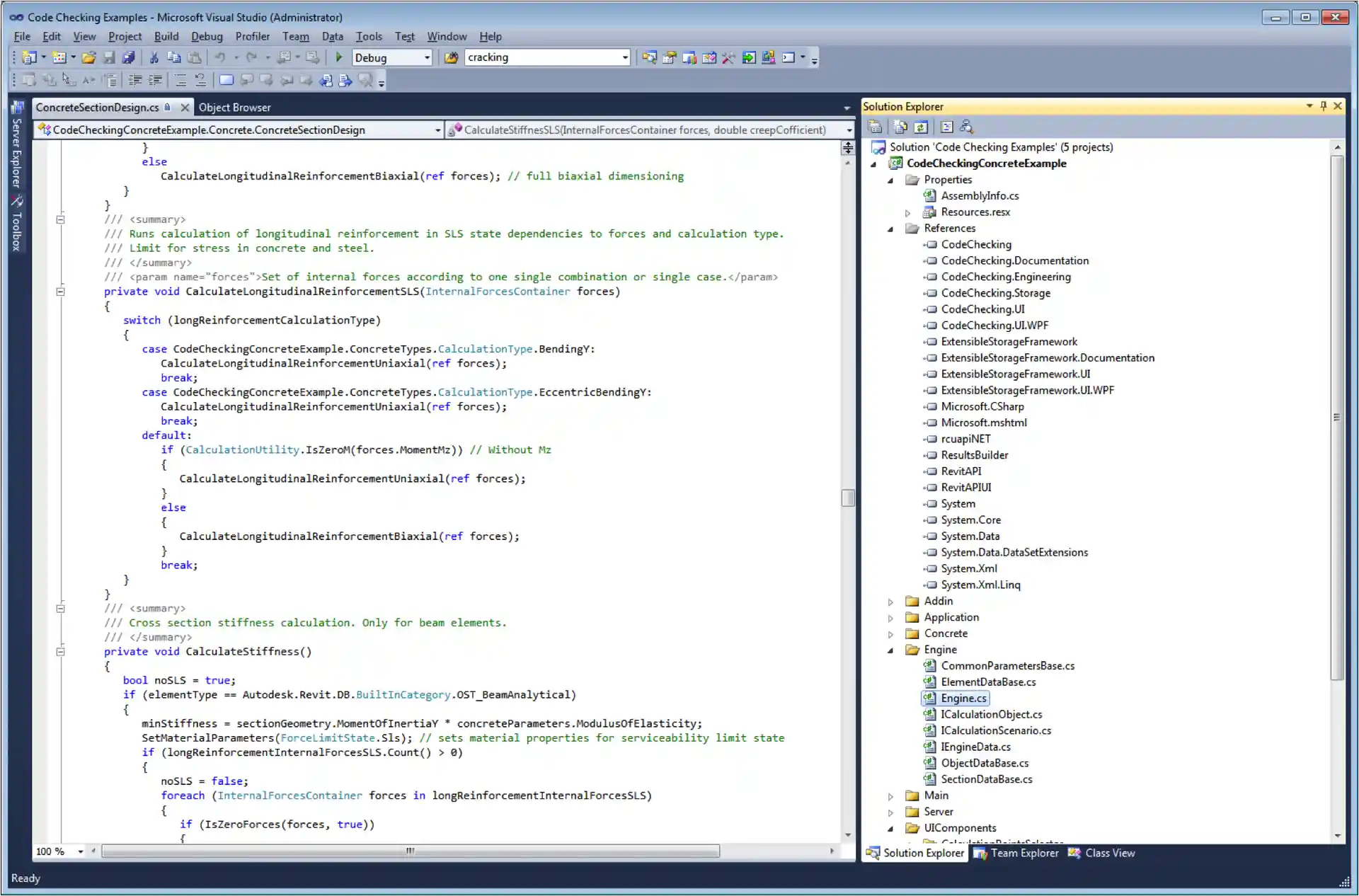
Closing Notes
As a last little note, Robot is now available as part of the cloud-based Autodesk SIM 360 ↗ simulation package providing access to the simulation functionality from the regular Revit Structure user interface.
Now I really have to get back to the final touches on my Moscow Revit DevCamp ↗ presentation preparations…